
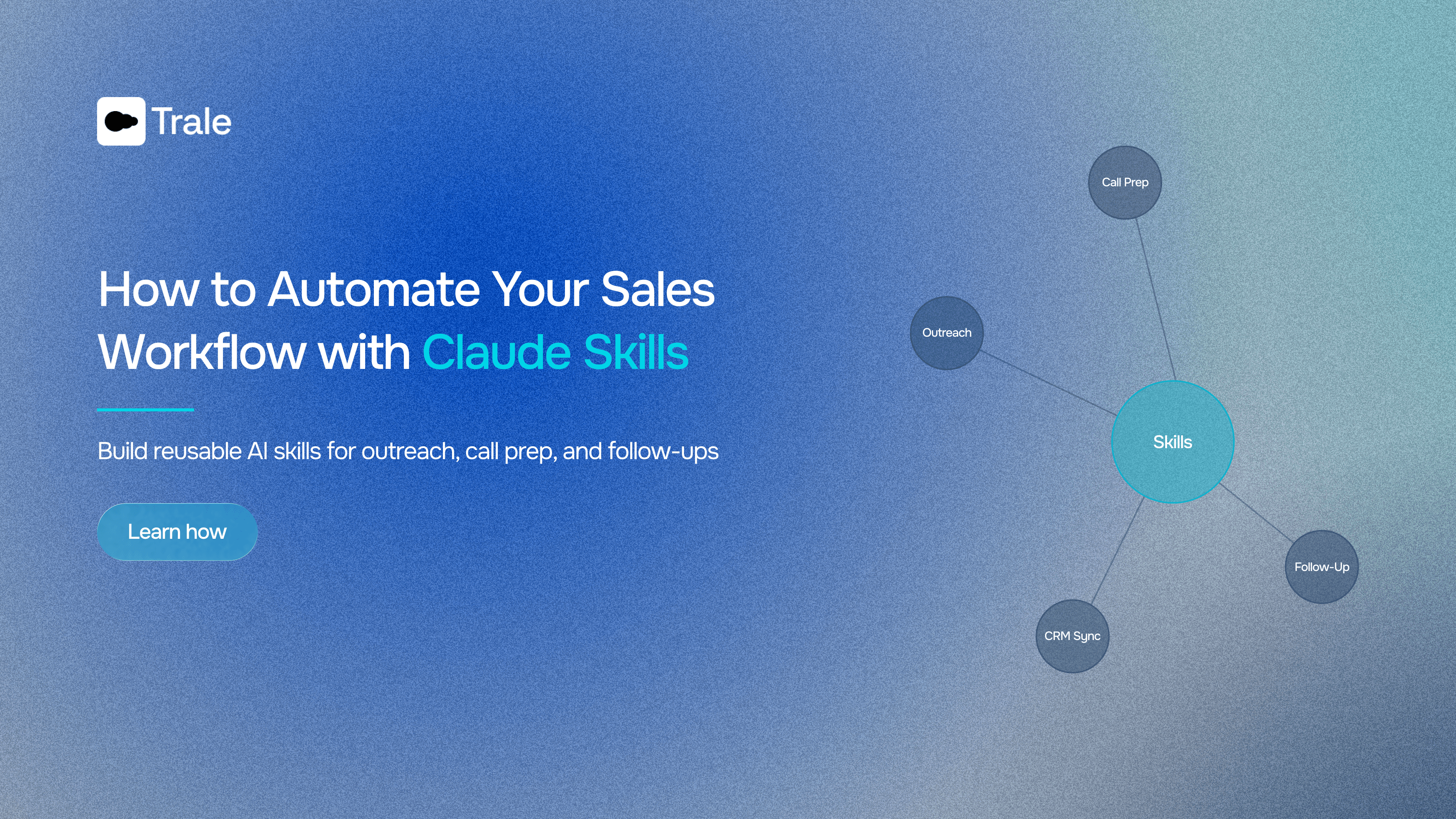
How to Automate Your Sales Workflow with Claude Skills
Build reusable AI skills for outreach, call prep, and follow-ups.
Sales reps spend roughly 60% of their time on tasks that have nothing to do with selling. Research, CRM updates, follow-up drafts, call prep, pipeline reviews — all part of the job, but none of it closes deals.
Meanwhile, 85% of sales teams using AI say it frees them to focus on higher-value work. We're seeing this play out with our customers on a regular basis.
Most reps who've tried AI for sales have landed in the same loop. Paste your notes, re-explain the format, add the same instructions you added yesterday, hope the output is usable. It works, but it doesn't scale.
Skills flip this entirely. Your instructions are saved. Your data sources are connected. A rep triggers a Skill and gets consistent output built from updated meeting data, CRM context, and whatever else you've wired in. A 500-word prompt becomes a single sentence.
What are Claude Skills?
A Skill is a saved set of instructions that tells Claude how to do a specific job. You define the format, the data sources, the tone, the workflow. Once. After that, anyone on the team can trigger it and get the same quality output without writing a prompt.
Think of it like a playbook your team already follows, except Claude runs it.
Pair a Skill with a Connector and Claude can reach into Trale, your CRM, or any other supported tool your team uses. No copying, no pasting. The data comes straight from the source.
If you haven't set up Trale's MCP (Model Context Protocol) Connector yet, this guide walks you through how to do so in about two minutes.
Which workflows should you automate?
Not everything is worth turning into a Skill. Here are five questions to help you filter:
-
Does it follow the same pattern every time? Call prep has the same inputs. Follow-ups hit the same beats. If the shape of the work changes every time, a Skill won't help much.
-
Do you keep re-explaining context? Same company background, same format, same tone guidelines, pasted in again and again. That repeated setup is what a Skill eliminates.
-
Does it eat real hours across the team? 20 minutes per rep per day, 10 reps, five days a week. That's over 16 hours buried in a single task.
-
Does inconsistency cause problems? A sloppy follow-up after a strong demo. A call brief that misses an objection from last month. If uneven execution creates risk, a Skill sets a floor.
-
Does more than one person run it? A Skill built for one person is fine. A Skill used by ten reps every day pays for itself ten times over.
Three out of five? Build it.
Most sales teams start with call prep, post-call follow-ups, and outreach personalization. These check every box.
Connecting Claude to your meeting data
A Skill is only as good as the data behind it. Most AI setups in sales still rely on whatever the rep remembers to paste in. That means stale context, missing details, and output that sounds plausible but gets things wrong.
Trale's MCP integration fixes this by connecting Claude directly to your meeting data. Transcripts, summaries, action items, participant details — all searchable in natural language.
Get the Trale Skills-Pack for Sales Teams
We built three ready-to-use Skills your team can add to Claude today: new prospect call prep, existing relationship call prep, and a post-call follow-up drafter. All three connect to Trale, your CRM, and other tools your team already uses to get the most out of Claude Skills.
Leave your email below and we'll send them right over.
Free Resource
Trale Skills-Pack for Sales Teams
Three ready-to-use Claude Skills: new prospect call prep, existing relationship call prep, and a post-call follow-up drafter.
Read more

Connect Trale to ChatGPT, Claude, and Other AI Apps
Here's how to hook up your Trale meeting data to any AI tool using MCP. Takes about 2 minutes.
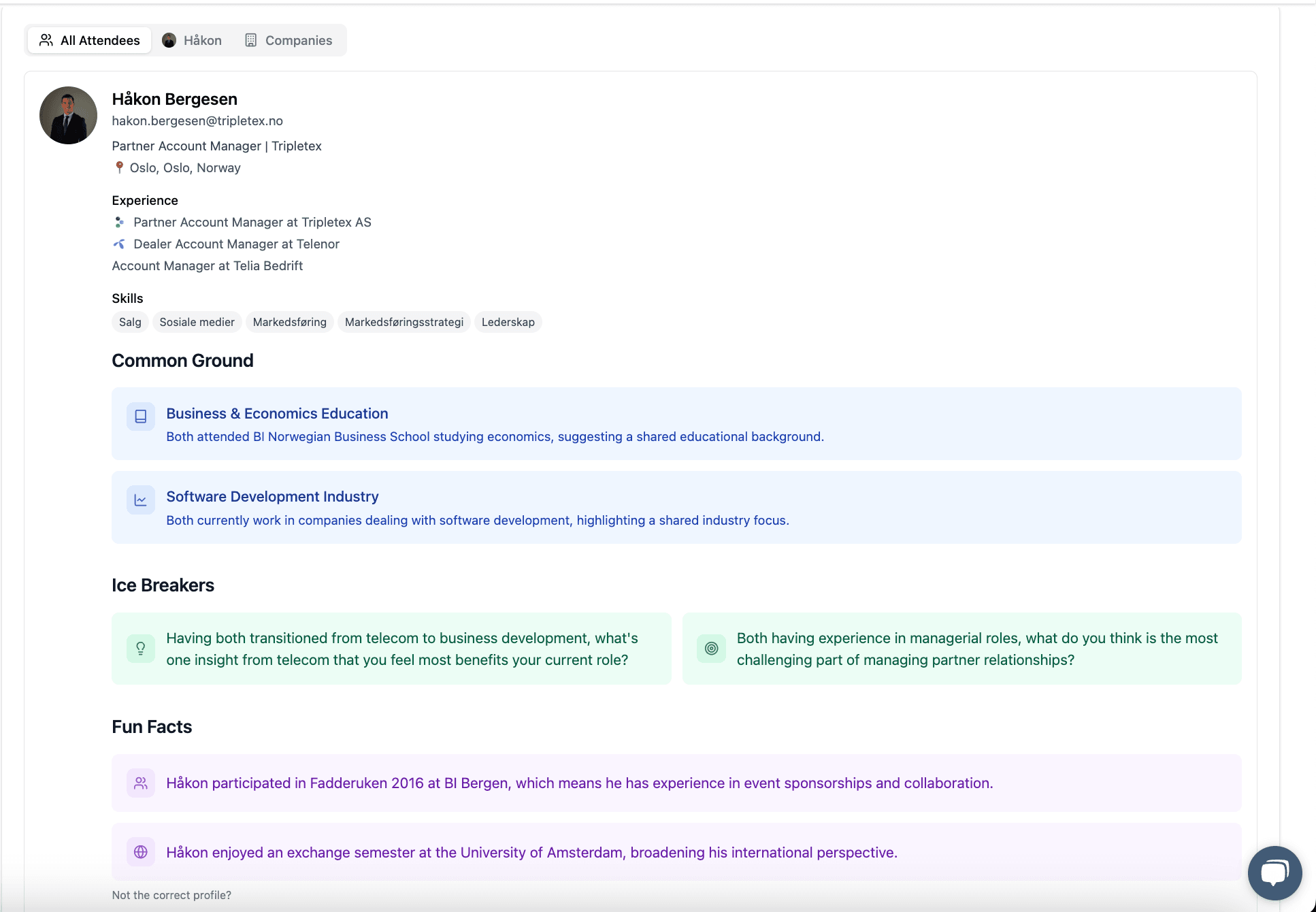
Feature Spotlight: Pre-Meeting Research That Gives You the Edge
Trale's Pre-Meeting Research tool gives professionals instant access to key insights about the people and companies they are meeting with.

Trale and SuperOffice Partner to Revolutionize Sales Efficiency
In a significant move to streamline sales processes, Supercompany, the creators of Trale, have entered into a strategic partnership with SuperOffice.